⚡
Fast, lightweight browsing
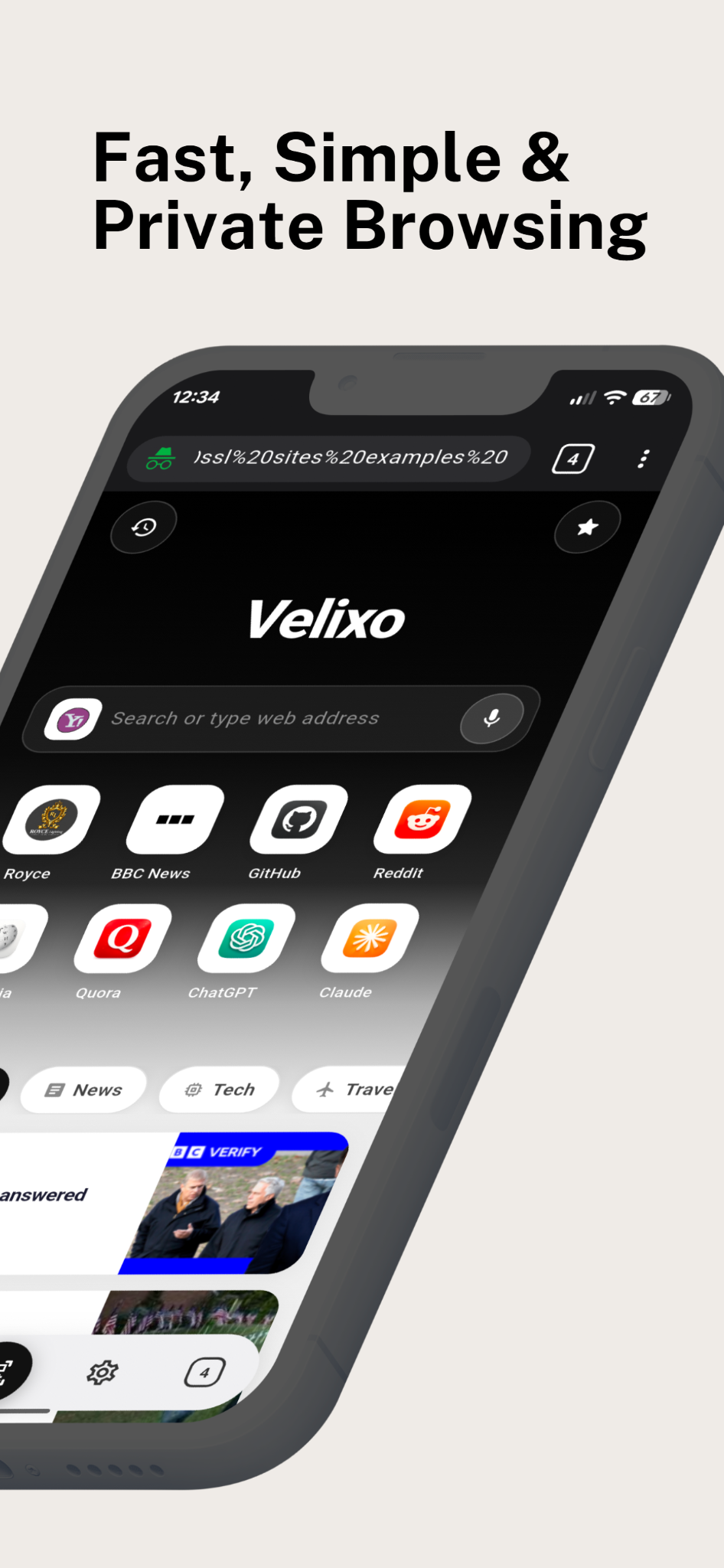
Browse the web with a streamlined interface, multi-tab support and a smooth tab switcher to move between pages.
Useful tools for everyday browsing, designed to be easy to reach and simple to use.
Browse the web with a streamlined interface, multi-tab support and a smooth tab switcher to move between pages.
Incognito sessions don't save browsing history, cookies or form data in Velixo. Downloads or activity outside the session may still remain on your device or be visible to websites and networks.
Open a full-screen AI chat, type a question or use voice input, receive clear answers, and tap Speak to hear a generated voice response with a talking avatar.
Speak your search or use supported voice commands when you prefer hands-free navigation.
Scan QR codes and barcodes using your camera. The camera is requested only when you launch the scanner.
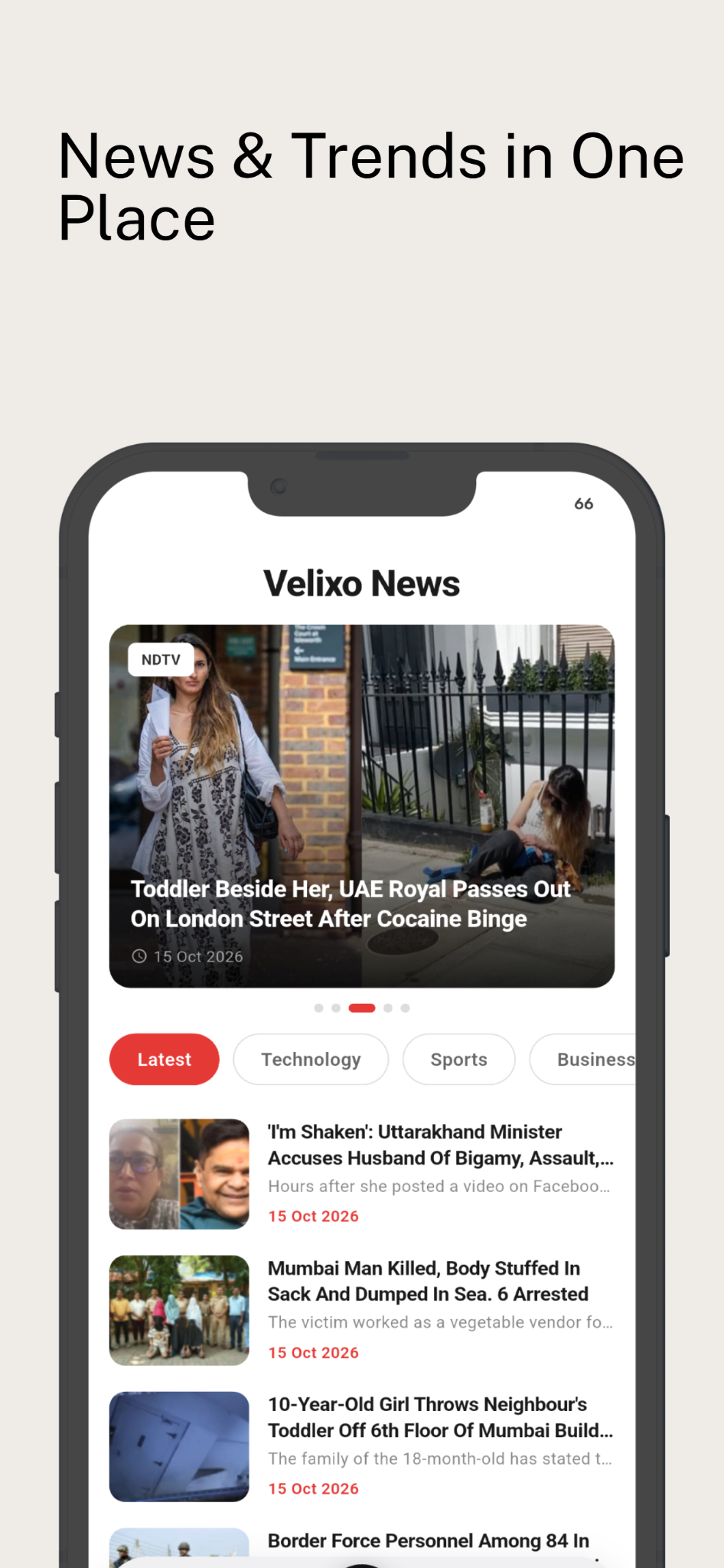
See a live news feed on the home screen and explore the dedicated News page with For you, News, Tech, Travel and Sports categories.
Save useful sites and return to your favorite pages without having to search for them again.
Find pages you've visited in your regular browsing history and reopen them quickly.
Save supported pages for offline reading later, even when you don't have a connection.
Keep downloads in one place, check progress, share or remove files, and pause, resume or cancel supported downloads.
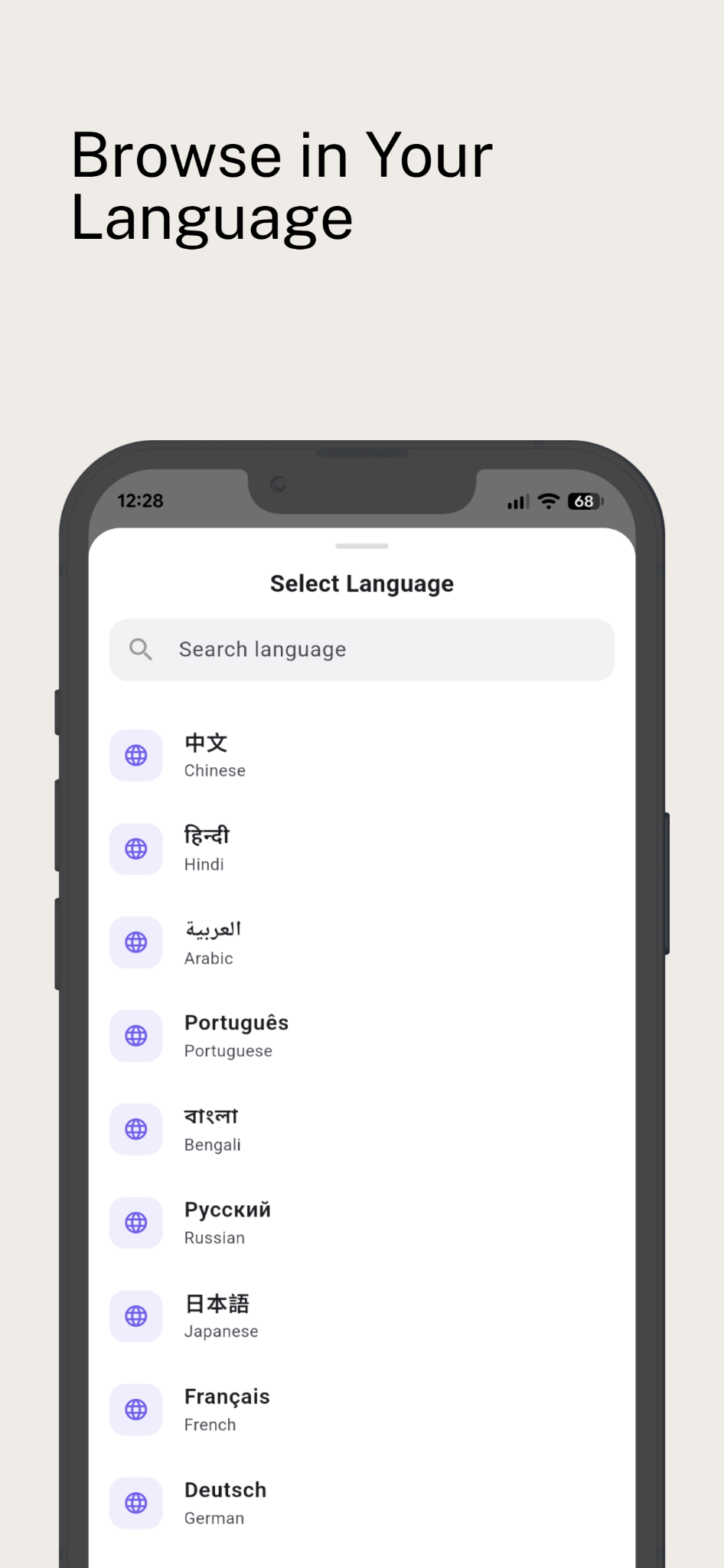
Choose a language on first launch or change it later. The app interface translates into your selected supported language.
Choose from Yahoo, Google, Bing, DuckDuckGo and other available search engines.
Search for a word or phrase within the page you're viewing.
Request a desktop version of a website when its full layout works better on a larger screen.
Share a page through your device's available sharing options in just a tap.
A clean, modern interface with convenient bottom navigation and familiar controls.
Camera, microphone and location permissions are requested only when a feature or website actually needs them.
See the browser in action. Replace the image files in the assets folder with your final app screenshots whenever you're ready.
Get Velixo Browser ↗